Nota bene: All products in this article are independently selected and vetted by InsideHook editors. If you buy something, we may earn an affiliate commission.
I’ve never been a big believer in standing desks. First of all, I don’t want my home office looking too much like my work office (standing desks aren’t exactly known for their aesthetic appeal, after all). I also live such an active lifestyle that sitting, to me, is a welcome respite. Now I have to stand while I work, too?
Yet, as a Pilates instructor as well as a writer here at InsideHook, I am regularly concerned about my hips (and general alignment, for that matter), a worry that’s only increased as I’ve gotten older, and it shouldn’t be a surprise to anyone that sitting at a desk all day is bad for your body. And so, with my daily health and overall longevity begrudgingly in mind, I decided to take the plunge: I got myself an Uplift Standing Desk.
Uplift offers a variety of sit-stand desks in a number of configurations, along with the ability to customize them to the nth degree. I was drawn to the brand because they consider ergonomics in every product they make, and that mission statement actually showed itself in the way my body felt when using the desk throughout the workday.
Before we get into testing, let’s talk about options: Uplift has over 200 desktop designs to choose from. I ordered their classic V2 Standing Desk model with a pheasantwood top — a hardwood known for its unique black and gold patterns. It also has a live edge that makes it feel more at home in my apartment. Depending on what desktop you choose and what width you go for (I chose the 48-inch design, but you can go as small as 42 inches and up to 80 inches), the price ranges from $599 to $2,029. Other add-ons can up the price more.
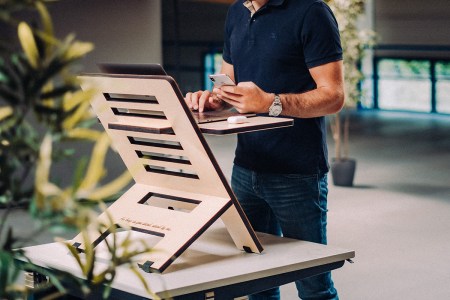
5 Common Mistakes People Make at Standing Desks
From finding the right height to being mindful of the floorFrom there, I chose white grommets, a white frame, an Advanced Comfort Flush Keypad…you get the idea. You can add on accessories, too, from filing cabinets to hanging storage cubbies to clamp-on drink holders. Hate the look of wires? They have wire-management kits. Need a chair? They sell a variety of seating options. (I’m eyeing the Ergonomic Kneeling Chair.)
To note: At the time of writing, Uplift had not yet released their V3 Standing Desk. The V3 desk features a fast and easy assembly as well as a patent-pending FlexMount Cable Manager and sets a new standard with a BIFMA-compliant height range.
What makes Uplift stand out from its competitors for me most, though, are their movement accessories. The brand’s stated mission is to keep you moving throughout your day, and their encouragement certainly worked for me. From a balance board to a punching bag, Uplift has tools to make sure you don’t stay stagnant. They even sell a hammock you can attach below the desk. I didn’t opt for that particular option (my desk was too small to fit it), but as I’ll get into below, I added a few key pieces to pair with my desk.
What Works
The specific design I assembled online turned out to be even more handsome in real life. Uplift quelled my fears that a standing desk and an aesthetically pleasing desk are mutually exclusive concepts.
The functionality is straightforward. The Basic Keypads allow you to lift and lower your desk by holding down on a button (the flush design is free while the angled design adds $19). The Advanced Keypads offer slightly better interactivity: You can save height settings, set minimum and maximum heights and move the desk up and down with one touch rather than holding down constantly. The model I chose, Advanced Comfort Flush, added $29 to the final price.
On the days I’m working from home, I find myself switching off between standing and sitting at the desk. I primarily do this because my feet start to feel tired after a while; from our helpful standing desk guide, I learned about the importance of footwear and floor type. But as someone who has never worked at a standing desk before, I’ve also noticed I’m more focused when I stand (there are studies on this).
Aside from the desk itself, I also picked up the Bamboo Motion-X Board and the Engage Stool from Uplift’s movement accessory selection, which have been hits during my workdays. These further encourage me to split my time between sitting and standing. The Bamboo Motion-X Board improves circulation while you’re standing by allowing you to swivel around (sometimes I do take a break from working just to use it — it’s seriously entertaining). The Engage Stool is a wobbly seat that keeps your legs activated while you sit. If you find yourself defaulting to bad posture while sitting or locking your legs while standing, I’d highly recommend both.
What Needs Work
It was quite difficult for me, as someone who does not usually build or assemble furniture, to get it set up. There are quite a few pieces to put together along the way, especially when it comes to the legs. They do include an installation option at checkout, which I probably should have done. If you own an electric drill and are confident in your assembly skills, you may disregard this message. Had I gotten the V3, this would’ve been a breeze — the newest Uplift model has components that either click into place or fasten together with a single included tool.
As good-looking as the rest of the desk is, the legs still read big-box corporate. There may not be much getting around that due to the nature of the desk’s sit-stand functionality.
Is It Worth It?
I’m surprised how attached I am to my Uplift desk now. My body feels better at the end of a workday than it does when I’m slumped in a chair all day, thanks both to the desk itself and the accessories I chose to go along with it. And because Uplift offers seemingly endless customization options, I was able to design a model that actually matches my home decor. Is it the best-looking piece of furniture I own? Not quite. But it’s also not completely prioritizing substance over style. If you want a desk that looks good and offers some additional functionality, Uplift stands out (or should I say stands up?).
Shop Uplift Standing Desks:
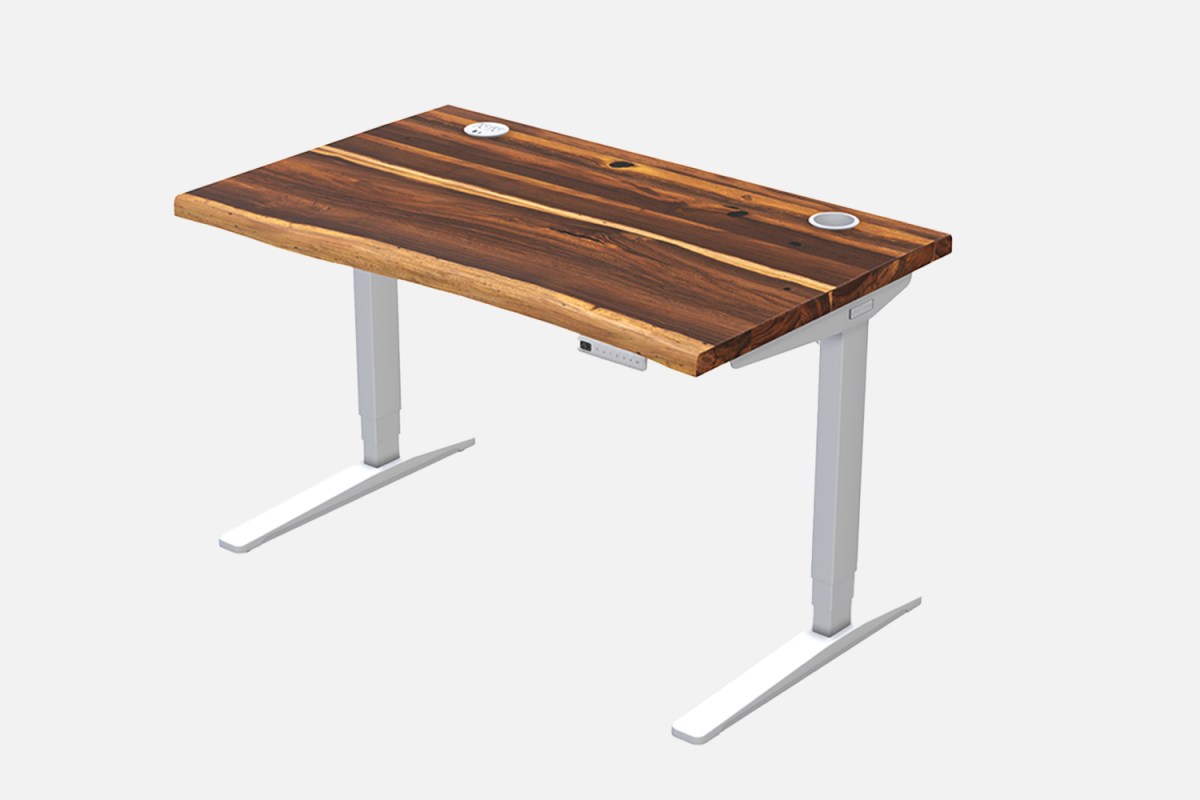
Why We Love It: The Uplift Standing Desk that started it all — a go-to optimization for your workspace.
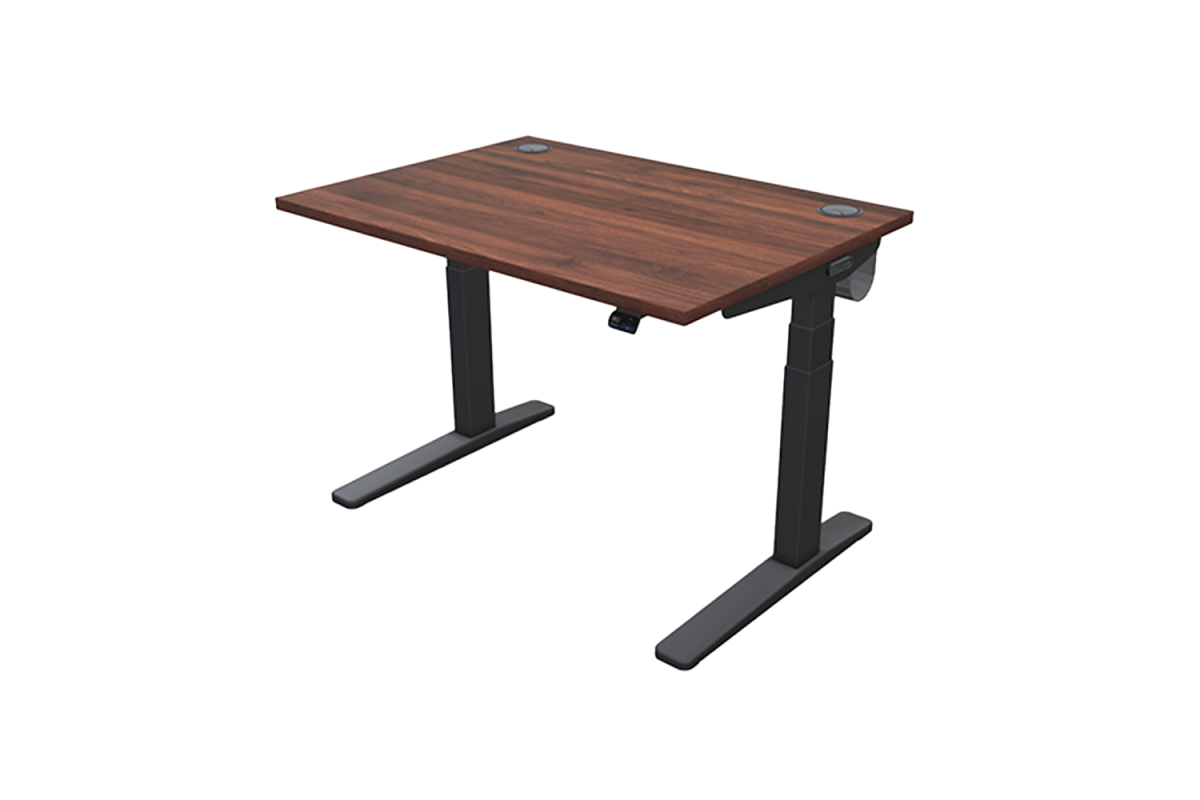
Why We Love It: The new and improved standing desk, with all the beloved features of the original.