Add Us to Your Preferred Sources
Did you know there’s a way to bump all your favorite InsideHook content to the top of your Google search results? The search engine recently launched a new feature called “Preferred Sources” that allows you to customize what appears in the “Top Stories” section at the top of the your results page.
To add InsideHook to your preferred sources:
All you have to do is click this link while signed in to your Google account and then check the box in the lower right corner.
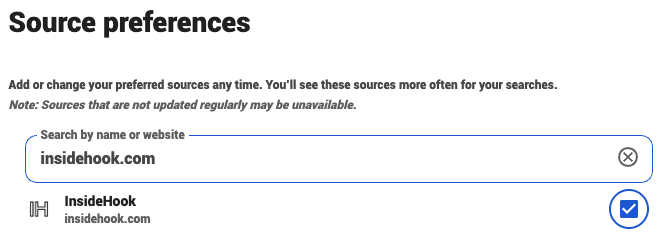
There’s another way to add InsideHook to your preferred sources:
You can also click on the star icon to the right of “Top Stories” when you search for something. That will bring up a new window, where you can type in “InsideHook” and check the box.